Introduction
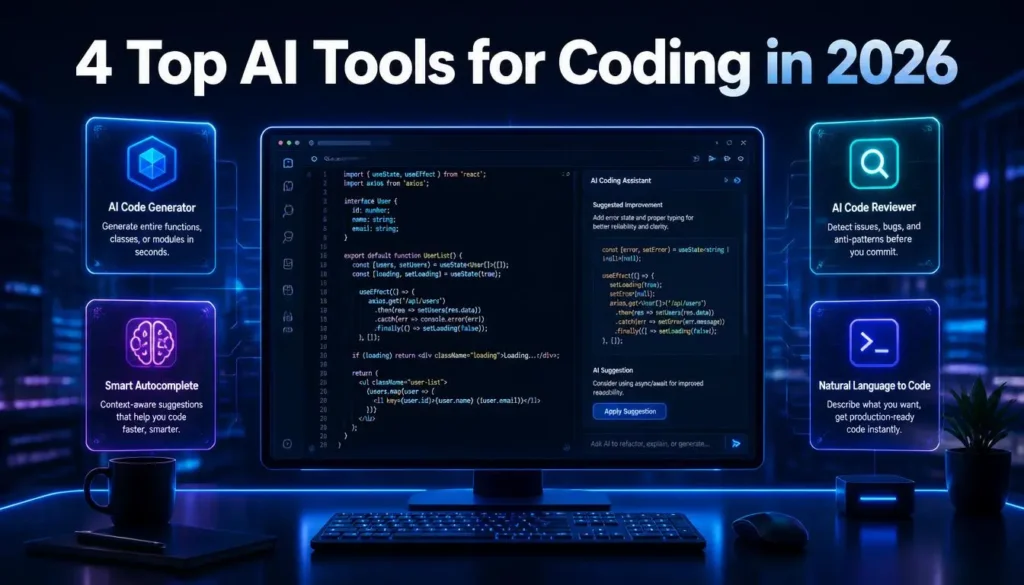
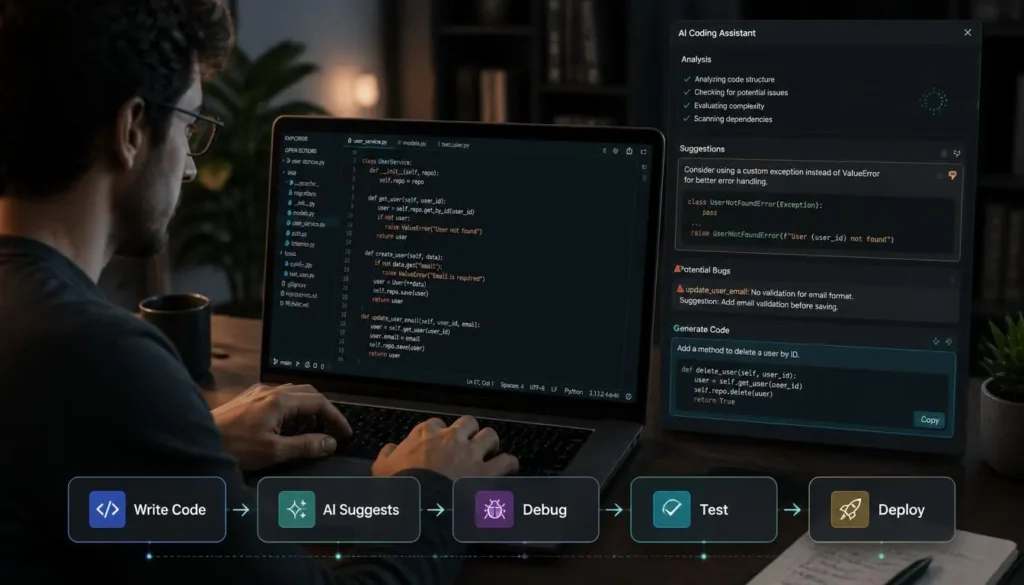
The way developers write software is changing quickly. AI coding assistants have moved beyond simple autocomplete and can now understand repositories, suggest multi-file changes, explain unfamiliar code, troubleshoot errors, write tests, and handle parts of larger development tasks.
That does not mean every developer needs the same AI tool. A beginner learning Python may want an assistant that explains code clearly, while an experienced developer working on a large repository may prefer an AI agent that can inspect files, run tests, and make changes across a project.
So, instead of asking “Which AI coding tool is number one?”, the better question is: Which tool fits the way you actually code?
AI Coding in 2026: From Autocomplete to Agents
Earlier coding assistants mainly predicted the next line of code. In 2026, the category has expanded into several different types of tools.
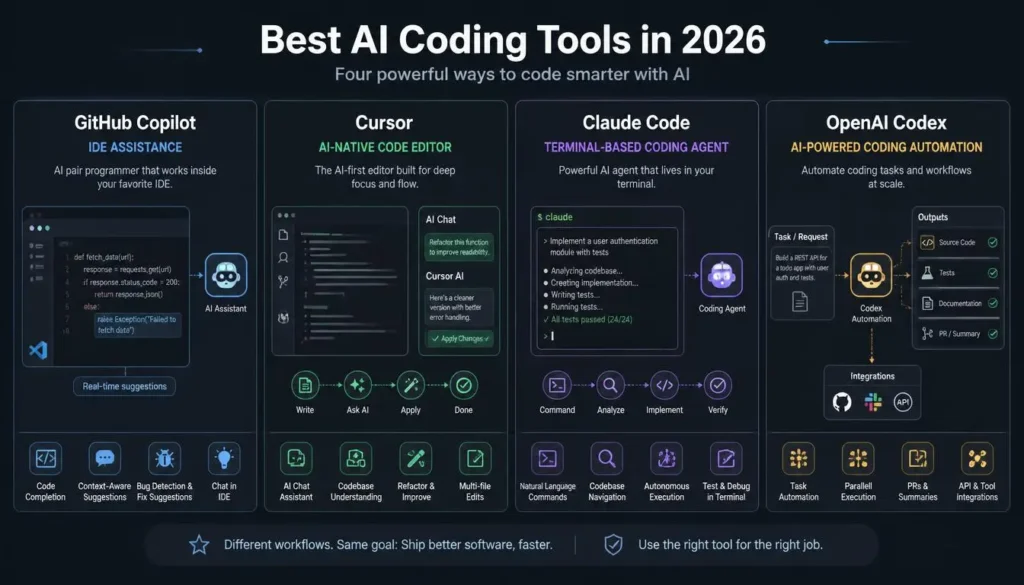
Some work directly inside your existing IDE. Others provide an AI-first editor, while terminal-based agents can inspect a repository and perform multi-step tasks. GitHub Copilot, Cursor, Claude Code, Codex and Gemini-based tools increasingly compete around these different workflows rather than simply code completion.
This distinction matters because workflow is often more important than raw model performance.
If you spend most of your day inside VS Code or JetBrains, an IDE assistant may feel natural. If you frequently work from the terminal, an agent such as Claude Code may make more sense.
GitHub Copilot: The Easy Choice for Existing Development Workflows
GitHub Copilot remains a practical choice for developers who already live inside GitHub and their preferred IDE.
It can assist with code completion, chat-based questions and increasingly agentic development workflows. Its major advantage is familiarity: developers do not necessarily need to replace their editor or completely change the way they work.
That makes Copilot particularly attractive for teams that already use GitHub for repositories, pull requests and collaboration. Independent comparisons also continue to identify Copilot as a strong option for GitHub-centered teams.
Best choice if: you want AI assistance without rebuilding your existing development workflow.
Cursor: For Developers Who Want AI at the Center
Cursor takes a different approach. Instead of adding AI to an existing editor, it makes AI a central part of the coding environment.
It is particularly useful when a task involves multiple files or requires understanding the surrounding codebase. Developers can ask the assistant to make changes, review proposed edits and work through larger coding tasks without constantly switching between an editor and chatbot.
Cursor has become one of the most prominent AI-native coding environments, particularly among developers who want an editor built around AI from the ground up.
Best choice if: you want an AI-first coding environment and frequently work on multi-file projects.
Claude Code: When the Task Is Bigger Than One File
Claude Code is aimed at a different type of developer workflow. It is a terminal-first coding agent designed to work across repositories and handle more complex, multi-step tasks.
Instead of asking for a single function, you can give it a broader development objective and let it inspect the project, make changes and work through the task.
That makes it particularly interesting for experienced developers handling refactoring, debugging and larger codebase changes. Independent comparisons frequently position Claude Code as a strong choice for complex, multi-file work.
Best choice if: you are comfortable with the terminal and want an agent that can handle larger development tasks.
OpenAI Codex: Useful for Agentic Development
OpenAI Codex has also become part of the broader shift toward agentic coding.
Rather than limiting AI to autocomplete, Codex can be used for software-engineering tasks where the system needs to reason about code, make changes and work through development problems.
It can be particularly appealing to developers already using the OpenAI ecosystem who want coding assistance that goes beyond generating isolated snippets. Current comparisons place Codex among the major agentic coding options in 2026.
What Should Beginners Choose?
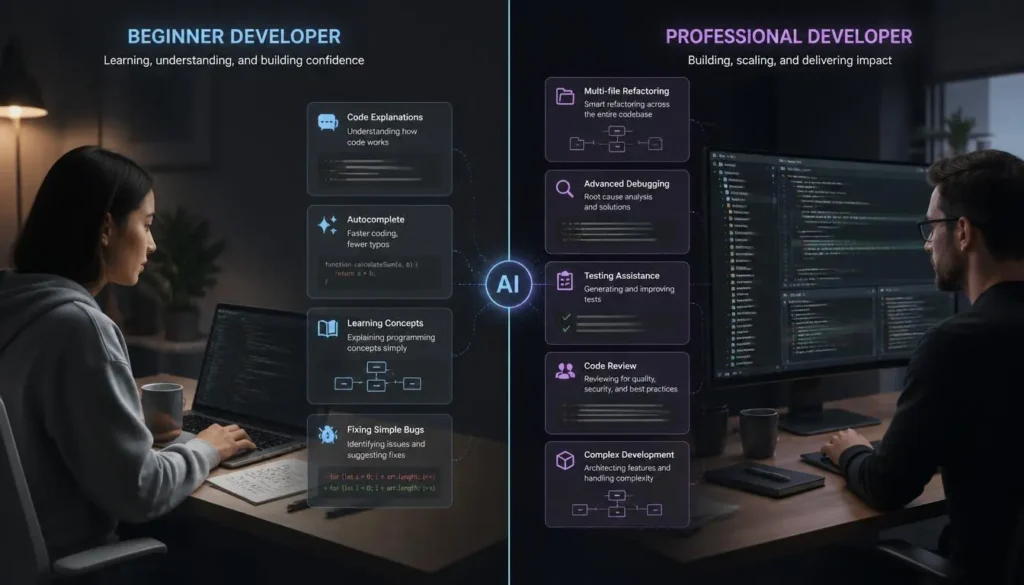
Beginners should not automatically choose the tool with the most autonomous features.
For someone learning programming, understanding why code works is more important than generating it quickly. ChatGPT can be useful for explaining programming concepts, debugging errors and walking through solutions step by step.
Once you become comfortable with programming fundamentals, tools such as Copilot or Cursor can help accelerate everyday development.
The goal should be to use AI to learn faster, not avoid learning.
What About Professional Developers?
Experienced developers should look beyond code-generation quality.
Consider:
- How well does the tool understand your codebase?
- Can it handle multi-file changes?
- Does it work with your IDE or terminal?
- How much control do you have over generated changes?
- Can you review and test its work easily?
- What are the privacy and security policies?
- Does the pricing make sense for your workload?
AI-generated code can still introduce bugs or unnecessary complexity. A 2026 comparison of major coding tools found that significant AI-generated changes may still require debugging and careful developer oversight.
The Best AI Coding Tool Depends on Your Workflow
There is no universal winner.
GitHub Copilot makes the most sense if your work revolves around GitHub and traditional IDEs. Cursor is compelling for developers who want an AI-native editor. Claude Code is better suited to terminal-heavy, multi-file tasks, while Codex is an attractive option for developers already invested in OpenAI’s ecosystem.
For beginners, start with an assistant that explains code. For professionals, choose the tool that reduces friction in your existing workflow.
FAQs
Which AI tool is best for coding in 2026?
There is no single winner. Cursor, GitHub Copilot, Claude Code and Codex each target different development workflows.
Can AI replace programmers?
No. AI can automate parts of development, but developers still need to understand architecture, requirements, security, testing and business logic.
Is AI coding good for beginners?
Yes, provided it is used as a learning assistant. Beginners should ask AI to explain solutions rather than simply copying generated code.
Should developers use more than one AI coding tool?
Often, yes. Different tools are optimized for different workflows, so combining an editor-based assistant with an agent can be useful.
Final Verdict
The best AI coding tools in 2026 are no longer simply competing to autocomplete the next line. They are becoming development partners capable of understanding larger codebases and handling increasingly complex tasks.
If you want a familiar GitHub-centered workflow, start with GitHub Copilot. If you want an AI-first editor, Cursor is worth considering. For complex terminal-based work, Claude Code stands out, while Codex is a strong option for developers already using OpenAI’s ecosystem.
But whichever tool you choose, keep one rule in mind: AI can write code, but you are still responsible for the code that ships.
Use AI as a Coding Assistant
AI coding tools can save developers a lot of time, but they should not replace your own understanding of the code. Use AI for generating code, debugging, explaining errors, and handling repetitive tasks, then review and test the final result yourself.
Our advice
Choose the tool that fits your coding style and project—not simply the one with the highest rating. The right AI assistant should make you faster without taking away your control over the code.