Introduction
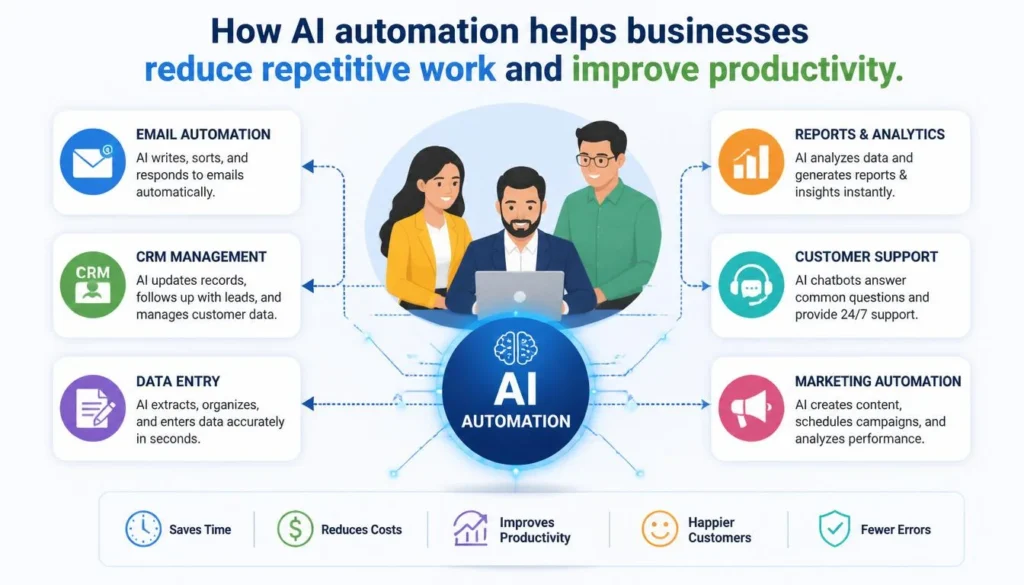
Running a business in 2026 requires more than hard work. Repetitive tasks such as emails, CRM updates, reports, and data entry can consume valuable hours.
The right AI automation tools reduce manual work, errors, and wasted time.
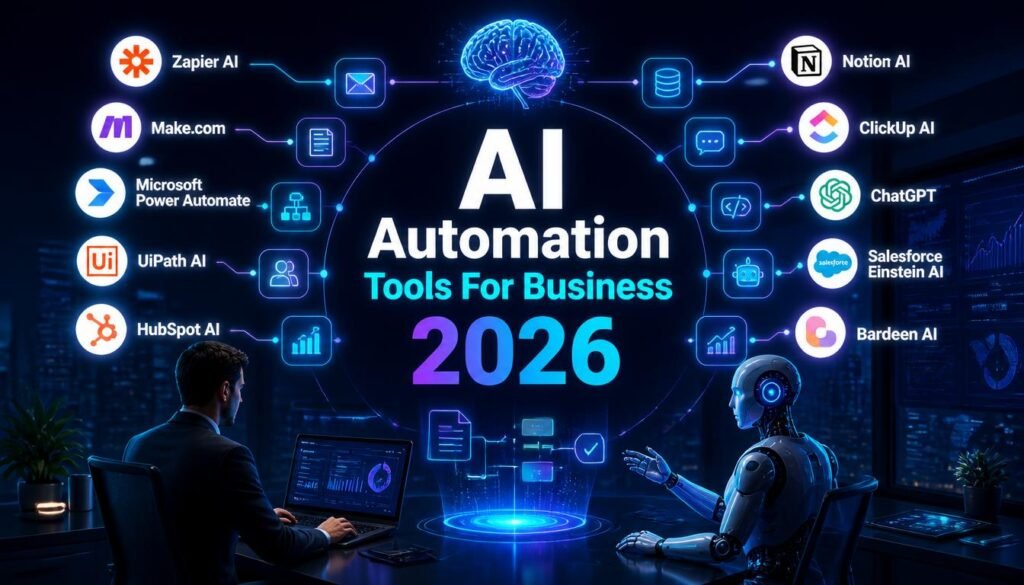
This guide covers 10 AI automation tools for business in 2026, their strengths, limitations, pricing approach, and best use cases.
Key Takeaways
| Tool | Best For | Free Option |
|---|---|---|
| Zapier AI | Workflow automation | Yes |
| Make AI | Complex workflows | Yes |
| Power Automate | Microsoft users | Limited |
| UiPath AI | Enterprise automation | Community |
| HubSpot AI | CRM & marketing | Yes |
| Notion AI | Documentation | Limited |
| ClickUp AI | Project management | Yes |
| ChatGPT | Business assistance | Yes |
| Salesforce Einstein | Enterprise CRM | No |
| Bardeen AI | Browser automation | Yes |
Plans and features can vary by provider.
What Are AI Automation Tools?
AI automation platforms use AI to automate repetitive business processes. They can understand natural language, analyze information, generate content, and assist with decisions.
Businesses can automate:
- Customer emails
- CRM updates
- Reports
- Document organization
- Marketing tasks
- Support tickets
- Data synchronization
The result is less repetitive work and more time for high-value activities.
💡 Pro Tip: Start with one repetitive process, measure the time saved, and expand automation gradually.
1. Zapier AI — Best Overall
Zapier is a no-code automation platform that connects thousands of applications.
Main Features
- AI workflow building
- App integrations
- CRM automation
Pros & Cons
Pros: Easy to use, flexible, and requires no coding.
Cons: Costs can increase with higher task volumes.
Pricing
Free and paid plans are available.
Best For: Small businesses needing simple workflow automation.
Our Rating
Zapier AI — 4.7/5 ⭐
Easy automation aur huge app ecosystem ki wajah se strong choice. Zapier currently 9,000+ apps connect karta hai aur AI workflow building bhi offer karta hai.
2. Make AI — Best for Complex Workflows
Make provides a visual workflow builder for multi-step business processes.
Main Features
- Visual automation
- AI assistance
- Multi-step workflows
Pros: Highly flexible and powerful.
Cons: More complex workflows can have a learning curve.
Pricing
Free and paid plans are available.
Best For: Businesses needing customized automation.
Our Rating
Make AI — 4.6/5 ⭐
A powerful option for creating advanced and customized workflows. Its visual workflow builder gives users more control over complex automations.
3. Microsoft Power Automate — Best for Microsoft Users
Microsoft Power Automate automates processes across Microsoft 365 and third-party applications.
It includes AI Builder, RPA, document processing, and approvals.
Pros: Strong Microsoft integration.
Cons: Advanced features may require premium licensing.
Best For: Microsoft 365 organizations.
Our Rating
Microsoft Power Automate — 4.5/5 ⭐
A reliable automation platform, especially for users and businesses already using Microsoft products. It works well for automating repetitive tasks and business processes.
4. UiPath AI — Best for Enterprise Automation
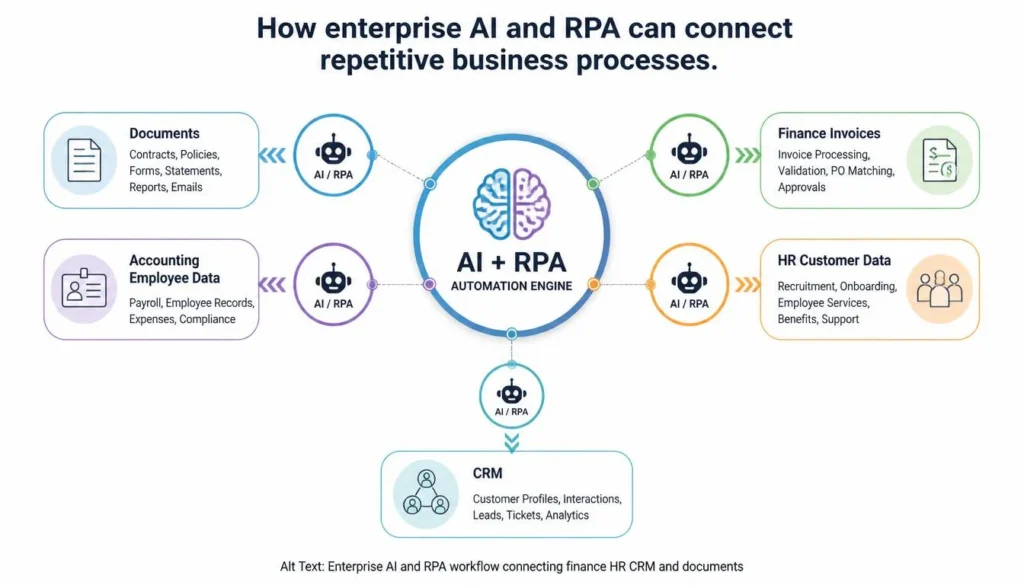
UiPath combines AI with robotic process automation to handle repetitive work across large organizations.
Businesses can automate finance, HR, invoices, and data-entry processes.
Pros: Powerful and scalable.
Cons: Steeper learning curve.
Best For: Large organizations with complex automation needs.
Our Rating
UiPath AI — 4.6/5 ⭐
A powerful choice for enterprise automation and robotic process automation. It offers advanced capabilities, although beginners may need some time to learn the platform.
5. HubSpot AI — Best for CRM & Marketing
HubSpot combines AI with CRM, sales, marketing, and customer-service workflows.
Businesses can nurture leads, personalize emails, assign sales tasks, and update customer records automatically.
Pros: Strong CRM integration.
Cons: Advanced automation requires paid features.
Best For: Growing businesses focused on CRM and marketing.
Our Rating
HubSpot AI — 4.4/5 ⭐
A useful option for businesses that want to combine AI with marketing, sales, customer service, and CRM workflows. It is particularly valuable for teams already using HubSpot.
6. Notion AI — Best for Team Knowledge
Notion combines documentation, project management, and AI in one workspace.
Teams can summarize meetings, organize internal knowledge, create documents, and manage tasks.
Pros: Clean interface and strong documentation.
Cons: Large workspaces take time to organize.
Best For: Teams needing knowledge management and productivity.
Our Rating
Notion AI — 4.5/5 ⭐
A helpful productivity tool for organizing information, summarizing content, writing, and managing work inside Notion. It is a good choice for individuals and teams that already use Notion.
7. ClickUp AI — Best for Project Management
ClickUp adds AI assistance to project and task management.
Teams can generate task lists, summarize meetings, plan projects, and manage deadlines.
Pros: Strong project management.
Cons: New users may need time to learn.
Best For: Teams managing projects, tasks, and deadlines.
Our Rating
ClickUp AI — 4.5/5 ⭐
A useful AI assistant for project management, task organization, writing, and team productivity. It can help reduce manual work and keep projects more organized.
8. ChatGPT — Best for Business Assistance
ChatGPT can support businesses with emails, reports, brainstorming, documentation, content, and internal workflows.
Simple Workflow
- Draft: Create the email, report, or content.
- Improve: Ask AI to organize or refine it.
- Verify: Check important facts and business information.
- Finalize: Review and edit before use.
Pros: Flexible, easy to use, and useful across industries.
Cons: Important outputs require fact-checking.
Best For: General-purpose AI business assistance.
Our Rating
ChatGPT — 4.8/5 ⭐
One of the most versatile AI tools for everyday work. It can help with writing, research, brainstorming, coding, analysis, and many other tasks, making it a strong all-purpose AI assistant.
9. Salesforce Einstein AI — Best for Enterprise CRM
Salesforce uses Einstein AI across its CRM ecosystem for sales, customer service, forecasting, and business insights.
Companies can automate lead scoring, sales predictions, and CRM workflows.
Pros: Powerful CRM integration and advanced analytics.
Cons: Can be expensive for smaller businesses.
Best For: Organizations needing enterprise CRM automation.
Our Rating
Salesforce Einstein AI — 4.5/5 ⭐
A strong choice for businesses that use Salesforce and want to add AI to their CRM workflows. It can help with sales, customer data, service, and business productivity.
10. Bardeen AI — Best for Browser Automation
Bardeen automates repetitive browser-based tasks without requiring code.
It can help with research, lead collection, data extraction, CRM updates, and spreadsheets.
Pros: Easy to use and strong for browser automation.
Cons: More focused on web-based workflows.
Best For: Sales teams and businesses handling repetitive online tasks.
Our Rating
Salesforce Einstein AI — 4.5/5 ⭐
A strong choice for businesses that use Salesforce and want to add AI to their CRM workflows. It can help with sales, customer data, service, and business productivity.
Important Note
All of the AI tools mentioned in this article are useful and capable in their own ways. There is no single AI tool that is the best for everyone. The right choice depends on your specific needs, type of work, budget, and preferred features.
For example, one tool may be better for writing, while another may be more useful for automation, research, design, productivity, or business tasks. Therefore, our ratings are based on overall usefulness, features, ease of use, and practical value. A lower rating does not mean a tool is bad—it simply means another tool may be a better fit for certain users or use cases.
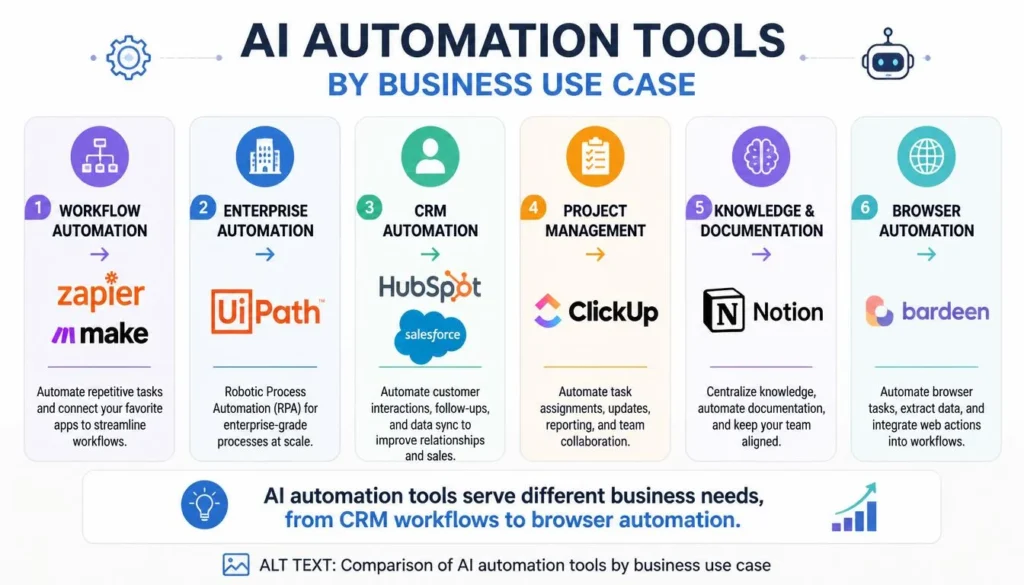
AI Automation Tools Comparison
| Tool | Best For | Key Strength |
| Zapier AI | Workflows | App integrations |
| Make AI | Complex automation | Visual workflows |
| Power Automate | Microsoft | AI Builder & RPA |
| UiPath AI | Enterprise | AI + RPA |
| HubSpot AI | CRM | Sales & marketing |
| Notion AI | Knowledge | Documentation |
| ClickUp AI | Projects | Task management |
| ChatGPT | General help | Writing & analysis |
| Salesforce Einstein | CRM | Predictive AI |
| Bardeen AI | Browser tasks | Web automation |
How to Choose the Right Tool
- Identify repetitive work: Find tasks that consume time every week.
- Check integrations: Make sure the platform works with your existing apps.
- Start small: Automate one workflow first.
- Measure results: Track time saved, errors, and costs.
- Review security: Give tools only the permissions they need.
⚠️ Common Mistakes: Don’t automate poorly designed processes, ignore AI errors, give unnecessary access to sensitive data, or deploy untested workflows.
Frequently Asked Questions (FAQs)
What are the best AI automation tools for businesses?
Popular options include Zapier, Make, Power Automate, UiPath, HubSpot, ClickUp, and ChatGPT. The best choice depends on your workflow and business size.
Can AI automate repetitive business tasks?
Yes. AI can assist with emails, CRM updates, reporting, documents, customer support, and data management.
Are AI automation tools free?
Many offer free or limited plans. Advanced integrations, higher usage, and enterprise features usually require paid plans.
Which AI automation tool is best for small businesses?
Zapier AI is a strong starting point because it is easy to use and connects many business applications without coding.
Final Verdict
AI automation can help businesses save time, reduce repetitive work, and scale more efficiently. Zapier AI is a strong overall option for straightforward workflows, while Make suits more complex processes.
Microsoft-focused organizations may prefer Power Automate, enterprises can consider UiPath, and CRM-heavy businesses may benefit from HubSpot or Salesforce Einstein. For general business assistance, ChatGPT remains highly flexible.
Start with one measurable workflow, monitor results, and expand when automation creates clear value.
About the Author
Written by the NestAIHub Editorial Team, technology researchers and content editors specializing in AI, automation, and digital productivity.

0 Comments